 Skeday
Last updated October 3, 2026
How to share a work schedule with your team
To share a work schedule, give the team one address for the current week. A small frontline business often sends a screenshot in chat or attaches an Excel file. Both go stale, and the file can be edited by anyone who opens it. Publishing a read-only page avoids that handoff.
Chat screenshots and emailed files
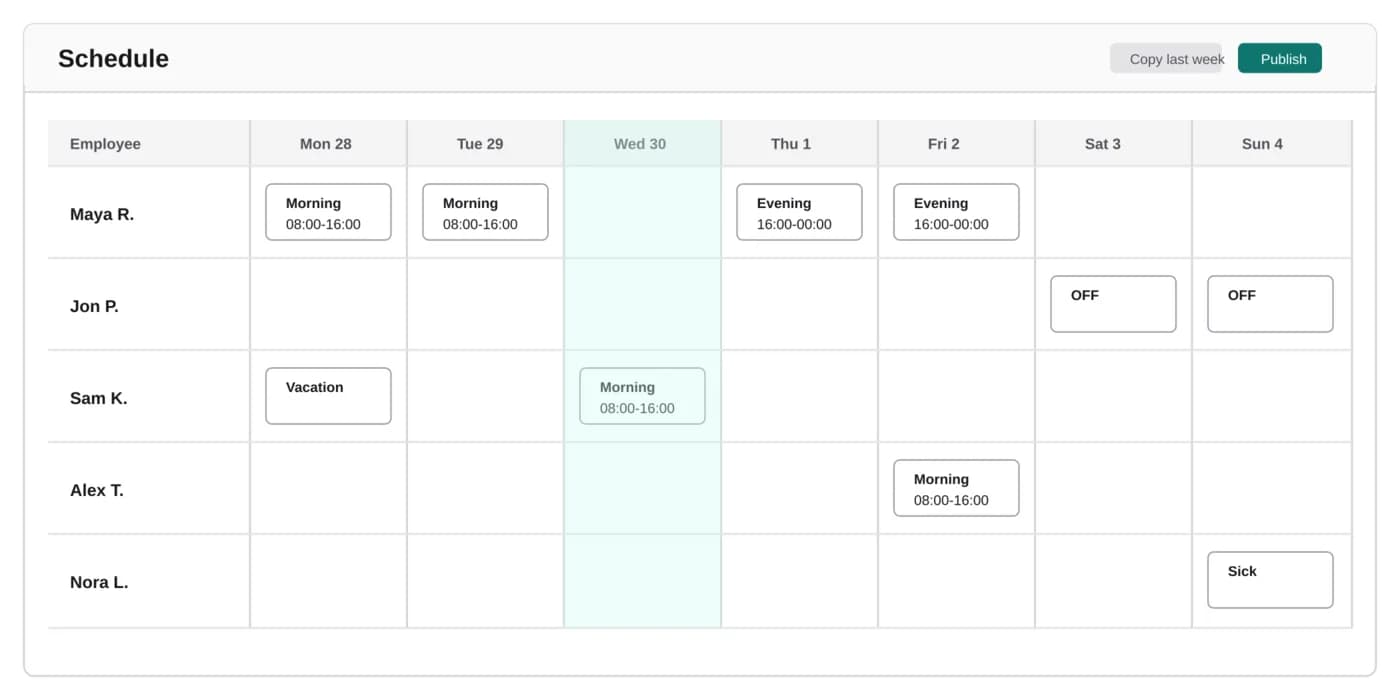
A screenshot is true only for the minute it was taken. The next sick day makes it wrong, and the old image is still in the thread. An emailed workbook has the same problem in a different form. Two people can edit two copies, and nobody is sure which file the team should follow. The week needs a single published version, not another attachment.
One read-only link
Sharing from Skeday publishes a page. Anyone with the link can see the week, and they cannot move a shift. By default the page shows a first name and a surname initial. A company setting can show full surnames the next time a week is published. You choose who receives the link. Regenerating it invalidates the previous address if it has been shared too broadly.
The same link after a change
A draft stays private until you publish, so a half-finished edit is not what the team follows. When you publish again, the same link shows the update. You do not send a new file, and you do not ask people to ignore yesterday's message. The address they already have is the current week.
A printed copy that still points here
Some rooms still want the week on the wall. Download a PDF and post it. The PDF includes a QR code that opens the public schedule, so the paper leads back to the same link. After the next publish, a scan shows the update even if the paper itself is from earlier in the week.
What this share does not do
The link is not an employee login, and it does not send a notification. People open it when they need the week. Skeday does not replace payroll or attendance. It is one company, up to 50 active employees, at $5 per month after a 14-day trial. The trial does not ask for a card.